Graphic Design Short Course

Graphic Design Short Course

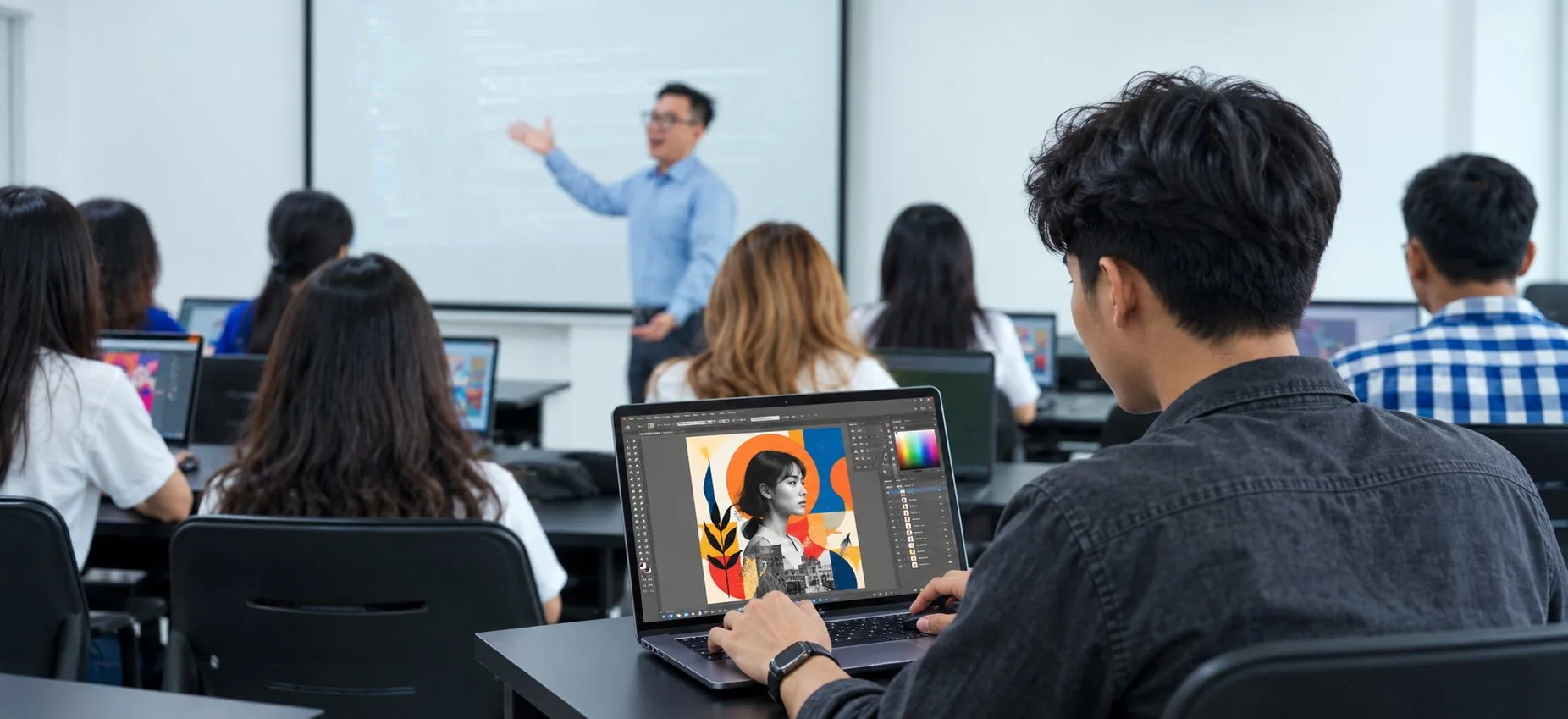
Learn graphic design from scratch with a beginner-friendly course covering Adobe Photoshop, Illustrator, and Premiere Pro. Develop practical design and video editing skills through hands-on projects, build a strong creative foundation, and prepare for real-world careers in design, media, and content creation.

About the course

Beginners & Creative Starters. Designed for beginners with no design background, this course helps students build practical graphic design and video editing skills using industry-standard tools for real-world projects.

Course curriculum

This course teaches Adobe Photoshop, Illustrator, and Premiere Pro through hands-on practice, helping students build essential graphic design and video editing skills.

Adobe Photoshop

14 subjects
Adobe Photoshop Interface. Working with documents. History palette Image sizes Physical and logical dimensions of the image Image cropping. Selections. Logical operations with selections Paint Bucket Tool Gradient fill. Layers. The concept of layer Working with layers Retouching Tools. Correction Tools. Blur and Sharpen filters. Red-eye Reduction Image Correction Color Theory & Tone Correction Color correction. Color models and modes. Practice Creating a Composite Images. Filters. Text. Character and Paragraph palette Bottom line Repetition and summary of the studied material. Exam

Adobe Illustrator

31 subjects
Adobe Illustrator Introduction Introduction to vector graphics Tools, palettes, menu commands Workspaces. Handling of the documents Graphic Primitives Working with the objects Using of basic tools Basic object transformation Scaling of the objects Free transformation Bezier Curves Modifying of existing vector outlines Nodes and segment classification Working with paths Vector paths copying and cloning. Paths grouping Aligning and distribution of the objects Basic operations with paths. Pathfinder Palette Operations with paths Trace Import (placing) of bitmap images into Illustrator Trace. Automatic and manual trace Fills & Gradient Fills Pattern Fills Outline Outline parameters Creating and using of the brushes in Illustrator Text creating and editing. Text options Working with text in frames Text wrap of graphic objects Text import and export. Spellcheck Placing the text along the path

Adobe Premiere Pro

11 subjects
Adobe Premiere Pro Introduction How to create a project, basics of editing and storytelling Keyframes and Transitions Basic of Montage Editing and music to create different moods and styles Text on Video Animating and creating motion graphics Adobe Premiere Pro title editor How to create a composition, being familiar with tools and keyframes Simple Effects Final Project

Forms of Education and Tuition Fees

Graphic Design Short Course

Duration
63 hours
Schedule
1 day per week
Age
15-55 years old
Time
Every Saturday, from 1:30 PM - 4:20 PM
Course fee USD 400

Sign up for a course or get a free consultation

Your name
Required to be filled in "Your name"
Phone or messaging contact
Preferred language

By clicking the button "Send", you agree to the Privacy Policy

Telegram

This site uses cookies

Privacy policy